App Interface Mockup
Description
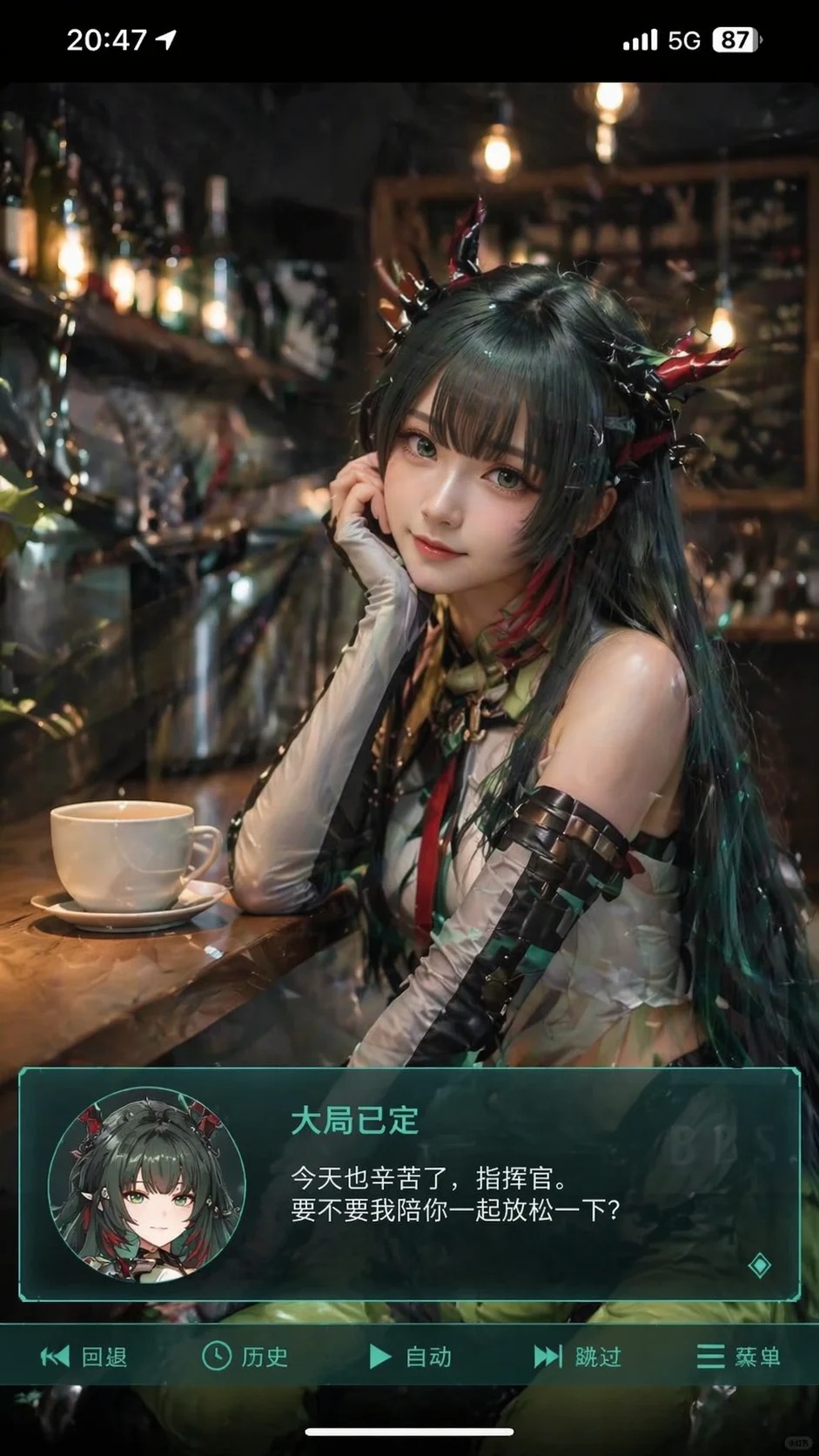
This prompt creates a vertical mobile screenshot-style image blending a realistic cosplayer with anime-inspired features, set in an indoor scene with a Galgame-style UI and dialogue box.
Prompt
Generate a vertical mobile screenshot-style image with an aspect ratio of approximately 9:16. In the upper center of the frame, place a real-life cosplayer portraying the anime character from the uploaded image. The person should be realistic but with slightly anime-inspired facial features, delicate skin, slightly larger eyes, and a gentle expression looking at the camera, seated in an indoor leisure setting such as a café or a bar counter, with scene-appropriate props in the background. Add a smartphone system status bar UI at the very top, including icons for time, battery, signal, and network, to make the entire image look like a phone screenshot. Overlay a wide, semi-transparent galgame-style dialogue box at the bottom of the image. On the left side of the dialogue box, place an anime or chibi-style avatar corresponding to the character. On the right side of the dialogue box, arrange text: first line in a larger font showing the same character name, followed by one or two lines of gentle, healing-style simplified Chinese dialogue fitting the character's persona, which you should automatically create. Below the dialogue box, add an operation bar mimicking galgame UI. Overall style: high-definition, rich in detail, soft lighting, seamlessly blending anime and realistic photography.